Generating images with AI: tools, pricing, and limitations
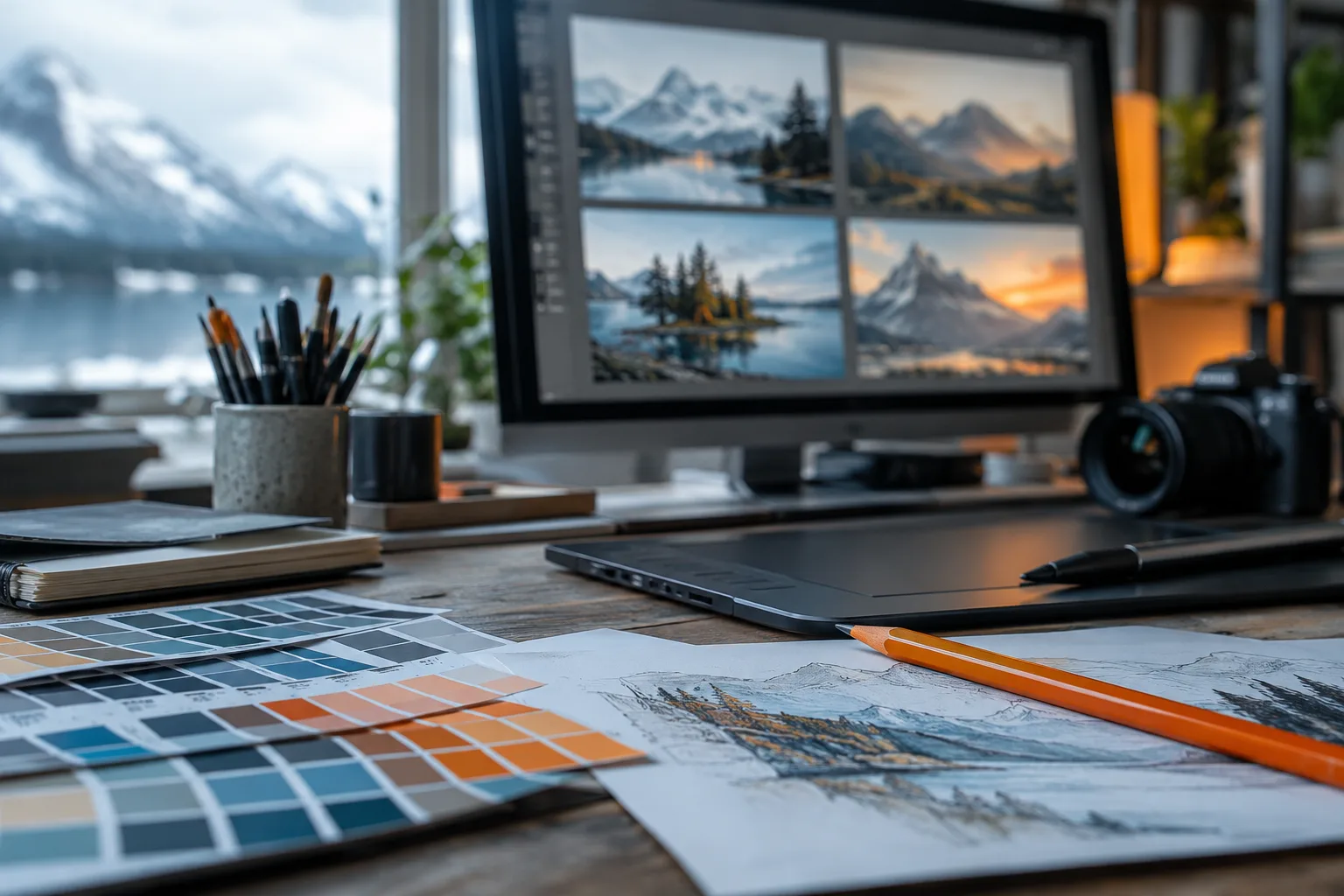
To choose an AI image generator, start with the result you need: an illustration, a poster with text, a precise edit, or automated production. Then compare the cost of images you can actually use, the editing controls, and the privacy terms. An appealing gallery alone will not tell you which tool fits your work.
Choose based on what you need to deliver
An illustration for a blog post gives you more freedom than a product photograph. In the first case, a change in the setting may be acceptable. In the second, a misplaced button or an invented material can make the image unusable.
Also distinguish between creating and editing. Generating a scene from a description, replacing a background, and preserving an object exactly are different tasks. Before subscribing, identify which of these actually takes up your time.
| Need | Main criterion | Test to run | Reason to reject |
|---|---|---|---|
| Editorial illustration | Subject and framing match the request | Generate a scene with room for a headline | Subject remains poorly positioned after corrections |
| Poster with text | Spelling and layout | Request your exact text | Incorrect accents or letters |
| Product image | Faithfulness to the reference | Change the setting around a photo you have permission to use | Shape, color, or markings change |
| Image series | Consistency and editing controls | Show the same subject with different framing | Visual identity varies unpredictably |
| Automated production | Billing and error handling | Measure a representative batch | Costs or results vary too much |
These tests provide a selection method, not a performance ranking. Our image generator category helps you identify available options; the criteria above then help you narrow the list.
Write down your requirements before browsing providers’ examples. Otherwise, you may choose a tool for an aesthetic that does not suit the work you need to deliver.
Which tools should you consider first?
Midjourney is an option for exploring visual directions through a subscription service. Its Relax mode offers image generation with no stated limit on certain plans, but that allowance is separate from priority computing time. The official plan comparison explains these differences.
Ideogram is worth testing for compositions that include text. The provider explains how to request exact wording and its placement in its prompting guide. This capability does not remove the need to proofread every word, especially small print and accented characters.
Adobe Firefly may suit a shortlist focused on generation and editing. Distinguish between the service itself, Adobe models, and partner models available through the interface: the application’s name alone does not tell you which terms apply.
FLUX is an option to examine for an integration billed by usage. Stable Diffusion is particularly relevant if you want to investigate running models on your own hardware, depending on the specific model and its license.
This overview suggests options for different needs without naming a universal winner. For a closer comparison, see Midjourney vs. Stable Diffusion. The AI tools directory broadens the search to editing and layout software, which may be more suitable than generating another image.
Pricing: subscriptions, credits, or local computing
The following amounts are in US dollars, checked on October 24, 2026. Treat them as reference prices, not quotes: check the billing country, any applicable taxes, and renewal terms.
| Plan or model | Listed price | Billing unit or plan | What to watch |
|---|---|---|---|
| Midjourney Basic | $10 per month | Monthly billing | Limited priority computing time |
| Adobe Firefly Standard | $9.99 per month | Monthly billing | Standard features and credit-based features are treated separately |
| Ideogram Plus | Listed at $15 per month | Subscription | Check the selected billing frequency |
| FLUX.2 [klein] 4B | From $0.014 | Per generation, depending on resolution | Additional costs depend on dimensions and reference images |
Pricing sources: the Midjourney documentation linked above, Adobe Firefly plans, the Ideogram pricing page, and the Black Forest Labs pricing table.
Credits are not comparable units across providers. A credit may cover a generation, an operation, or a variable amount of computing. Similarly, access described as unlimited may apply to a particular mode with different waiting times.
For local use, separate permission to use the model from the cost of running it. Hardware, electricity, storage, and maintenance remain your responsibility. To get started without a commitment, the article on free AI tools by need helps distinguish free access from an offer suitable for regular production.
Measure the cost of a usable image
A listed price becomes meaningful when you relate it to the results you keep. A cheap generation may take several attempts followed by manual editing. Conversely, a more expensive subscription may be justified if corrections are quick and exported files are ready to use.
Use this relationship:
Cost per accepted image = generation and editing expenses ÷ number of approved images.
Track human working time separately. This makes it easier to see whether the expense comes from the service or from corrections. It also keeps you from treating a technically completed generation as an accepted deliverable.
During your trial, record:
- the requests submitted and the results kept;
- credits consumed, including those used for variations;
- work required after generation;
- time spent selecting and correcting images;
- limitations encountered when exporting.
For an API, also check how reference images and resolution are billed. In the pricing table consulted in October 2026, Black Forest Labs specifies rounding up to the next megapixel. Changing image dimensions can therefore change the bill.
Do not build your budget around the best result you obtained. Use a representative sample of your work, including difficult requests. For a business, the cost of an additional approval step may matter more than the price difference between individual generations.
Write a request that makes editing easier
A good prompt describes a result you can assess. Specify the subject, action, framing, lighting, desired style, and publication requirements. Avoid piling up vague adjectives: they make it harder to identify where the result falls short.
Here is an example that does not depend on any particular syntax:
Editorial illustration of a bicycle repair workshop, wide view at table height. A red bicycle occupies the right side; the left side stays uncluttered to leave room for a headline. Diffuse window light, light gray and orange palette, no logos, no embedded text.
After generation, request a focused change: move the bicycle, simplify the background, or make the lighting cooler. Changing the subject, palette, and framing at the same time makes it difficult to understand which adjustment improves the result.
For an image containing text, provide the exact words and their position. If spelling must be reliable, leave yourself the option of adding the text in layout software after generation.
When using a reference image, specify what must stay identical and what may change. For a product photograph, for example, the outline and markings need to be preserved. Keep the original file, instructions, and selected versions so you can explain your choices and return to an earlier version without restarting the entire visual exploration.
Limitations to check before publishing
A plausible image can contain subtle errors. Examine hands, joins, reflections, shadows, and repeated objects. For a technical scene, also inspect how parts fit together: a recognizable object can still be mechanically inconsistent.
Review the text separately from your overall impression of the image. Check accents, numbers, contact details, and required notices. A successful headline does not guarantee that the smaller text is correct.
For a product, compare the result directly with the reference. An approximate color, an added seam, or a missing accessory can misrepresent it. When accuracy is essential, keep the photograph of the object and limit generation to its surroundings.
A series also needs a dedicated consistency check. Compare proportions, materials, the palette, and distinctive details across images. Approving each visual individually does not guarantee a coherent set.
Finally, view the file in its intended context. A flaw that is invisible in a thumbnail may become obvious on a poster; a detail that is readable on a large screen may disappear on a phone. Check dimensions, cropping, margins, and the background. A successful generation is still a production step that needs editorial or design approval.
Privacy and rights: read the terms for the specific model
Before uploading a photograph, check whether inputs and outputs are public, retained, or reused. A paid subscription alone does not guarantee a private workspace. Keep sensitive documents out of the service while these points remain unclear.
Midjourney reserves Stealth mode for its Pro and Mega plans. Even when enabled, it does not hide creations made in a public channel, as the Stealth mode documentation explains, according to the page consulted on October 24, 2026.
Open weights do not mean that every use is permitted. The license depends on the exact model. The Stability AI license, consulted in October 2026, distinguishes community access from commercial uses that require an enterprise agreement depending on revenue.
Adobe states that its Firefly models are trained on licensed and public domain content. Its official FAQ permits commercial use under the terms of the relevant features. Do not automatically extend that statement to partner models.
Separate the service’s contractual permission from the review of the final content. For a sensitive campaign, have someone examine trademarks, the people depicted, and any elements reproduced in the image. The guide to writing a company AI usage policy helps organize this review.
What to check before paying
- Choose based on a specific deliverable: an illustration, a faithful edit, and a poster with text require different tests.
- Compare the cost per approved image, including variations, corrections, and human working time.
- Check privacy before uploading anything; private generation and permission for commercial use are separate criteria.
- Review every result in its publication format, then retain the source files and useful versions.
Frequently asked questions
Which AI image generator should beginners choose?
Look for an interface that makes images easy to edit and clearly explains how credits are used. Before paying, try a request that reflects your actual needs and check whether the exported file works for your intended medium.
Can you generate AI images for free?
Yes, some plans offer limited access without payment, and some models can run on your own hardware. That does not guarantee unlimited generations, privacy, or permission for every commercial use.
Can an AI generator create a finished logo?
It can help you explore shapes and compositions. Before using a logo, you still need to check its legibility, prepare suitable production files, and establish whether it is legally available for use.
Why does an image change when you request a small edit?
A generative edit can recalculate part of a scene and affect nearby details. To preserve a composition, use a local selection where possible and save a copy of the image before each edit.