AI agent frameworks: LangGraph, CrewAI, AutoGen—which should you learn?
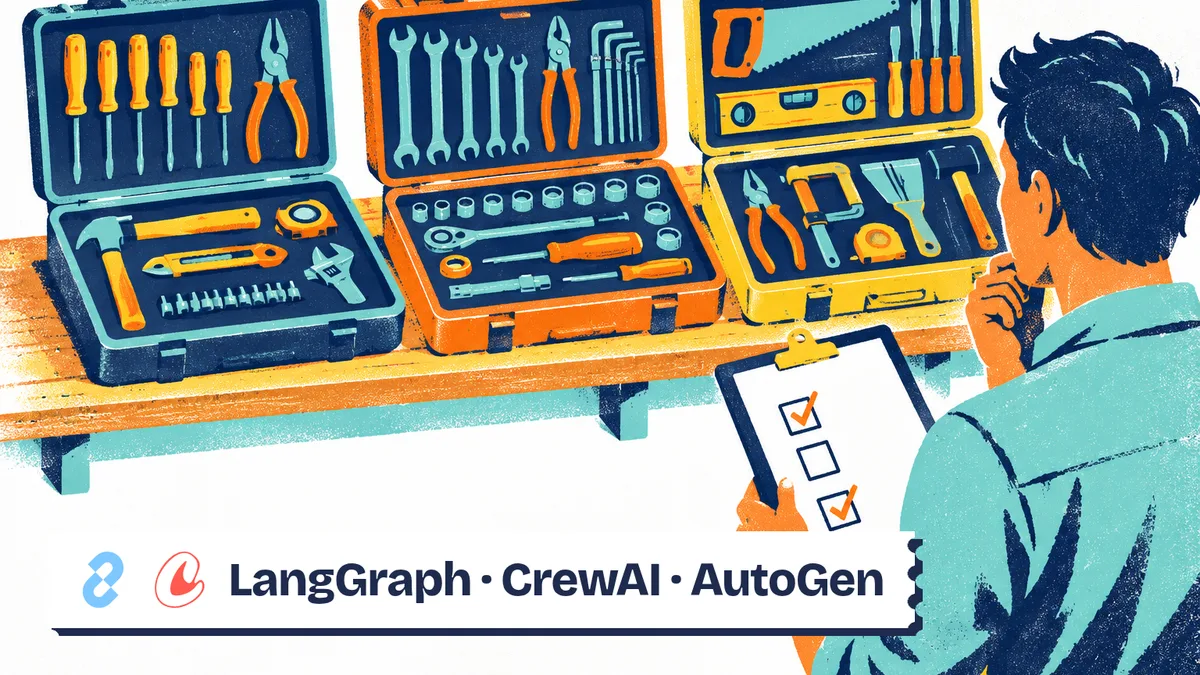
Learn LangGraph if your priority is controlling an agent’s steps, state, and approvals; choose CrewAI if your problem naturally breaks down into tasks assigned to specialized agents. For a new project, AutoGen needs a fresh assessment: its official repository now states that it is archived and points to its successor. The right AI agent framework depends primarily on the process you need to run and the failures you need to handle, rather than how many agents appear in a demo.
What a framework adds to your application
A framework provides building blocks for connecting a language model, tools, and execution logic. It can organize messages, maintain state, hand off a task, or pause processing. It does not replace your application’s business rules or permissions.
The first distinction is how the application determines its next step. In a workflow, your code defines the steps and branches; in an agent, the model has some discretion over which actions to take. An application can combine both approaches: check fields in code, ask the model for an analysis, then wait for approval before writing any data.
This architectural distinction appears in Building effective agents. The article also explains the value of starting simply, although its page notes that the tool landscape has changed since publication. It serves here as a conceptual reference, rather than a current product catalog.
Before choosing a library, describe your requirements without agent terminology. For example: receive a document, extract information, check that the required details are present, and prepare a response. If the entire process is known in advance, a function that calls a model may be enough.
A framework becomes useful when branches, interruptions, or coordination would otherwise make your code unwieldy. Our article on ways to build an AI agent places this option alongside other approaches.
Choose based on the work you need to organize
Start by identifying the main challenge: a tool loop, a controlled business process, or a division of work. The following table compares possible architectures for your application. It is not a product ranking.
| Architecture | Who determines the next step? | State to preserve | Validation or approval needed | Main challenge |
|---|---|---|---|---|
| Model call inside a function | Your code | Input and result | Check the result | Define a usable output |
| Agent with tools | The model, within defined limits | Messages and tool results | Before sensitive actions | Stop loops and handle errors |
| Workflow with agent steps | Your code, with local decisions by the model | Case progress and decisions | At sensitive transitions | Resume after an interruption |
| Team of specialized agents | Explicit or delegated orchestration | Deliverables and handoffs | For deliverables and actions | Avoid unnecessary exchanges |
Make this decision before choosing a framework. A tool built around teams does not require you to add more participants; a graph engine can also manage a single agent.
For detailed product comparisons, see the dedicated pages: CrewAI vs. LangGraph, CrewAI vs. AutoGen, and LangGraph vs. AutoGen. The goal here is to identify which skills your project calls for.
You can find product profiles, licenses, and activity snapshots in the AI agent and framework directory. These indicators help you assess a project, but they do not measure how well it will perform your own tasks.
LangGraph: learn to make the process explicit
LangGraph suits applications where you need to explain why one step follows another. You represent processing steps and their transitions, then pass state through them. This makes sense for a case that moves through analysis, verification, and human approval.
Its official documentation describes it as low-level orchestration infrastructure for stateful agents and long-running processes. It highlights persistence, human intervention, and the ability to combine deterministic and agent-driven steps. It also states that you can use it without LangChain, even though examples often use LangChain components.
The skill to learn is therefore process modeling. What belongs in the state? Which condition allows processing to continue? What happens if the user rejects an action? These questions become part of the program, rather than instructions left for the model to interpret.
The persistence documentation distinguishes checkpoints within an execution from information stored across multiple executions. That separation helps you keep the progress of a particular case distinct from lasting information about a user.
The learning effort comes from making these decisions explicit. For a basic assistant, you may end up building orchestration you do not yet need. The documentation itself recommends a higher-level abstraction for beginners looking for a ready-made agent loop.
Choose LangGraph when your main learning task is to pause, inspect, and resume a process. The LangGraph reference guide provides a deeper look at this architecture.
CrewAI: learn to divide responsibilities
CrewAI uses the concepts of agents, tasks, and teams. Its official introduction describes two elements: Crews, which bring agents together to carry out work, and Flows, which structure the application’s execution.
This vocabulary fits a problem with responsibilities that can be separated. In a document preparation exercise, for example, you might distinguish source collection, synthesis, and reference checking. This is a learning scenario, not evidence that using multiple agents will produce a better result.
To make the exercise useful, define each task’s deliverable before writing role descriptions. Collection should produce identifiable documents; synthesis should distinguish facts from uncertainties; verification should be able to reject a claim. Job titles alone do not provide those safeguards.
Do not reduce CrewAI to a conversation between characters. The project’s documented Flows support event-driven processing, state management, conditions, and loops. They provide structure for the parts of the work that need to remain predictable.
Coordination is the difficulty to watch. An unclear handoff can force the next agent to reconstruct context or lead it to treat an assumption as a fact. Define a handoff format, clear ownership, and a stopping condition.
CrewAI is therefore worth considering if you want to learn how to break a broader task into distinct deliverables. Start with the fewest roles you need, and add specialization only when it addresses a failure you have observed.
AutoGen: check its status before following a tutorial
Documentation update as of October 24, 2026: the official AutoGen repository states that the project is archived and is no longer maintained by Microsoft. It specifies that Microsoft no longer provides fixes, including security fixes, or support. The repository directs new users to Microsoft Agent Framework.
Microsoft Agent Framework is presented as its successor. Treat this as more than a library rename: an existing project needs a migration process and checks to establish how its behavior changes.
The Microsoft Agent Framework documentation describes agents, workflows, and integrations, with components for state and tools. If you are starting from scratch in this ecosystem, review that current documentation before choosing a course.
Learning AutoGen can still be useful for understanding or taking over an existing application. In that situation, start by identifying the dependencies actually in use and the behaviors you need to preserve. An example found online may target an architecture different from your application’s.
Before migrating, assemble a representative set of tasks. Keep the inputs, available tools, expected results, and known errors. Then run those same tasks on the new implementation: getting the program to start does not prove that its decisions remain acceptable.
For general learning on a new project, spending time on an actively maintained foundation avoids building around a transition that has already been announced.
A learning path that helps you make a decision
The prerequisites are practical: you should know how to write functions, handle errors, call an API, and protect credentials. You also need to be able to read the messages exchanged with the model. Without that visibility, framework abstractions can make problems harder to diagnose.
Use a limited exercise: handle a request using supplied documents and prepare a response, without sending it automatically. This lets you observe how the system makes operational decisions without giving it an external action to perform.
- Define the task contract. Specify accepted inputs, the expected output, and reasons to decline the task. State what should happen when information is missing.
- Build a minimal process. Keep a single agent or model step until splitting the work offers an identifiable benefit.
- Add a controlled tool. Start by reading data the application is authorized to access. Validate arguments before passing the request to the relevant service.
- Trigger an interruption. Simulate an unavailable service, a malformed response, and a rejected approval. Observe which state is preserved and where execution resumes.
- Inspect the traces. Review model calls, tool calls, delays, and human corrections. Then decide whether the architecture meets your requirements.
This exercise evaluates your understanding as much as the framework. If you cannot explain how execution resumes or why an action was rejected, return to a simpler structure.
Before moving on, check that your prototype meets these conditions:
- The expected result is described independently of the framework.
- Tool failures have explicit handling.
- A sensitive action requires verifiable authorization.
- Execution has a stopping condition.
- Traces let you identify the source of an error.
Common problems: cost, recovery, and permissions
The prototype works, but consumes too many resources. Separate necessary calls from coordination exchanges. Measure the cost of an accepted task, including rejected attempts and retries. A freely available library does not make model calls or hosting free.
The agent repeats an action after a failure. Saving state does not guarantee that an external service did nothing before the connection dropped. Your application must be able to recognize an operation that has already been performed, for example by using a request identifier. Test this situation before allowing any action that writes data.
The response looks correct, but cannot be verified. Retain the documents used and the tool results. Fluent prose does not tell you whether a piece of information came from a source or an assumption.
External content influences permissions. Treat incoming documents, pages, and messages as data. Your application must enforce authorization to send, modify, or delete. The same rule applies when one agent passes a request to another agent.
The framework structures execution; your application remains responsible for permissions, authentication, and business rules. Assess those responsibilities separately from the convenience its abstractions provide.
What to remember before choosing
- Learn LangGraph to model explicit state, transitions, and interruptions.
- Learn CrewAI when dividing work into tasks and responsibilities fits your needs.
- For AutoGen, start with the repository’s current status and the transition to Microsoft Agent Framework.
- Base your choice on a verifiable exercise: an accepted result, handled errors, observed costs, and controlled recovery.
Frequently asked questions
Which AI agent framework should beginners learn?
Start by learning to call a model and run a tool from your own code. Then choose an abstraction that fits your project: a ready-made loop for a simple assistant, or explicit orchestration for a process that needs approvals and recovery.
Do you need to learn LangChain before LangGraph?
It is not a technical prerequisite: the documentation states that LangGraph can run without LangChain. You do, however, need to understand messages, tools, and model interactions to make use of the control it provides.
Is AutoGen still a good choice for a new project?
The official repository reviewed for this update states that the project is archived and Microsoft no longer maintains it. It directs new users to Microsoft Agent Framework. Consider that status before following an older tutorial.
Can an AI agent framework work with a local model?
That depends on the available connector and the capabilities of your chosen model. Pay particular attention to tool calls, expected outputs, and error handling: a successful connection alone does not establish that the agent works correctly.