Which GPU do you need to run an LLM?
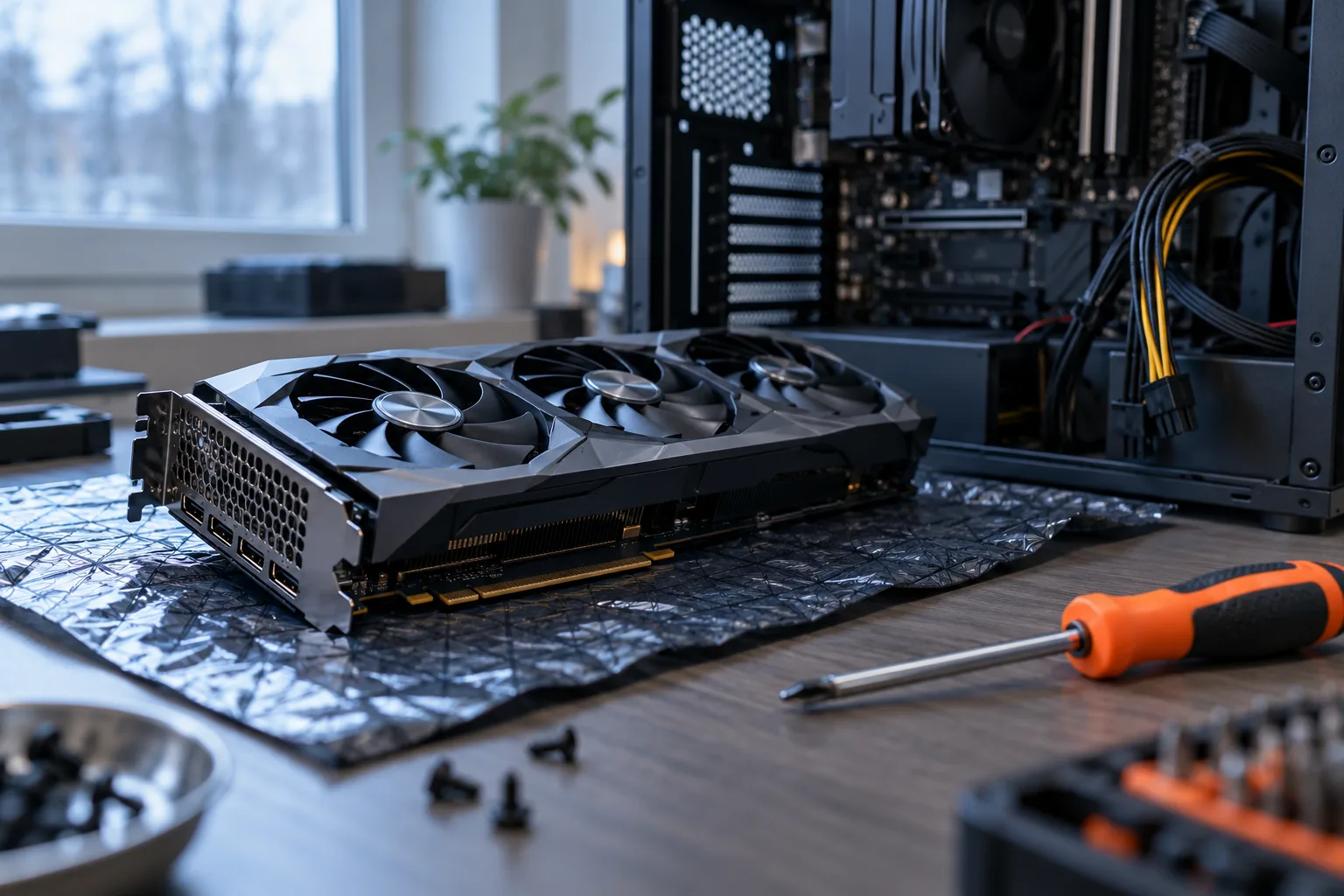
To choose a GPU for a local LLM, start with the memory your model and context require, then check compatibility with your software. Buy a card that fits your actual workload in memory with some room to spare, rather than the one with the highest advertised AI compute figure. If your current machine already runs the model at an acceptable speed, you may be able to postpone the purchase.
Memory determines what you can run
VRAM is memory that the graphics card can access directly. It must hold the model weights as well as temporary data needed during execution. The size of the downloaded file is therefore a starting point, rather than a complete estimate of memory requirements.
Memory needs depend on factors including weight precision, architecture, conversation length, and the number of simultaneous requests. A model that handles a short question may run out of memory when you give it a large document.
Quantization reduces the space occupied by weights by storing them at lower precision. It can make a model usable on your hardware, with a potential loss in quality that you need to assess on your own tasks. The guide to quantization and the GGUF format explains how to choose an appropriate file.
Avoid universal rules such as “this much memory is enough for a model of this size.” Architectures with similar parameter counts can have different requirements. For a mixture-of-experts model, the number of parameters activated at each step does not, by itself, tell you how much memory is needed to store the weights.
Before looking for a card, choose a model, its exact file, and a representative use case. The language model profiles can help you identify candidates. The VRAM calculator provides an estimate to compare against memory use when you actually load the model.
Context can change your hardware requirements
The context window includes instructions, messages, documents you provide, and the response being generated. For architectures that use an attention cache, that cache takes up additional memory. Increasing the context can therefore push memory use beyond the available capacity even when the weights still fit.
The Ollama documentation, accessed on October 24, 2026, confirms that longer contexts increase memory requirements. It also recommends checking how execution is split between the CPU and GPU to understand the performance you are getting. Source: context length management.
Requirements also differ between a person chatting with a model and an application serving several users. Do not size an individual workstation based on results from a server handling batched requests, or use workstation results to size that server.
Before buying, define the following:
- The model file and its quantization.
- The typical length of your documents.
- The expected length of responses.
- The number of requests you need to process simultaneously.
- The delay you can accept before a response begins and while it is being generated.
Leave some headroom for the display and other applications using the card. Buying a GPU that only just meets a theoretical estimate may force you to reduce the context as soon as your usage changes.
Cards to consider for different needs
The following cards are candidates to evaluate, rather than an LLM speed ranking. Their memory capacities come from manufacturer specifications accessed on October 24, 2026. Those specifications establish neither retail availability nor suitability for your model.
| Desktop graphics card | Advertised memory | When to consider it | Decisive check |
|---|---|---|---|
| GeForce RTX 5060 Ti, 16 GB variant | 16 GB | Buying new when your workload fits within this capacity | Explicitly select the correct memory variant |
| Radeon RX 9070 XT | 16 GB | A setup whose inference engine supports this Radeon | Verify the software, operating system, and driver combination |
| GeForce RTX 3090 | 24 GB | Buying used when you need more memory | Check condition, cooling, and power requirements |
| GeForce RTX 5090 | 32 GB | A workload that requires this additional capacity | Establish whether the total cost and PC installation requirements are justified |
NVIDIA lists different variants of the GeForce RTX 5060 Ti, so the chip name alone is not enough to place an order. AMD lists the capacity of the Radeon RX 9070 XT in its specifications.
NVIDIA also confirms the memory capacities of the GeForce RTX 3090 and GeForce RTX 5090. These cards provide concrete reference points, rather than a complete overview of the market.
If your workload already fits on the card you are considering, additional memory does not guarantee faster responses. It becomes useful when it lets you retain more context, load a different model, or avoid splitting execution between the GPU and CPU.
Check software support before choosing a brand
Check compatibility for the exact card, operating system, and inference engine. A technology appearing in the manufacturer’s specifications does not guarantee that your application uses it.
In its documentation accessed on October 24, 2026, Ollama lists supported NVIDIA cards and provides separate AMD lists by operating system. The Radeon in the table appears on its Linux list, while the Windows list for ROCm differs. Check how your intended setup will run the model before buying. Source: hardware support.
The llama.cpp engine documents support for CUDA, HIP, Metal, Vulkan, and SYCL, among other options, as well as hybrid CPU and GPU inference. This opens up several hardware options, but their performance is not interchangeable. Source: official repository, accessed on October 24, 2026.
On an Apple computer with unified memory, the purchase decision concerns the whole configuration: you are not simply choosing a graphics card to install. Even a large amount of shared memory needs to be assessed alongside measured throughput.
Then choose an interface that suits your workflow. For the differences between LM Studio and Ollama, see the LM Studio vs. Ollama comparison. The local LLM guide explains how the software, model, and hardware fit together in a complete setup.
Measure response times, not just tokens per second
A performance result is useful only when you know the conditions: card, engine, model, quantization, context, and concurrent requests. A chart without this information cannot reliably predict your experience.
Distinguish the time spent processing your input from the time spent generating the response. When analyzing a document, the wait before the first word may matter more than generation speed. In a short conversation, latency and the consistency of generation become more noticeable.
Advertised theoretical AI compute figures do not directly measure these delays. They cannot replace a trial of your chosen model in the engine you intend to use. A result obtained under different conditions should remain a clue, rather than a promise.
Prepare a small set of real requests: a typical document, a difficult question, and an extended conversation. Record total time, peak memory use, and output quality. A fast response that leaves out necessary information does not establish that the card is a good purchase.
Also distinguish model quality from hardware speed. The benchmark lab helps you examine model capabilities, while the article on interpreting LLM rankings explains the limitations of scores. No general ranking can replace a test of your local workload.
Calculate the cost of the whole computer
The card’s price is only part of the cost. Check case clearance, the power supply, connectors, ventilation, and the system memory your software needs. A card that is compatible on paper may require expensive upgrades elsewhere in the computer.
Manufacturers’ power specifications help you size the system; they do not describe your average power consumption during inference. To estimate running costs, measure power draw at the wall during a representative task, then apply your electricity rate and expected usage time.
When buying used, ask for a demonstration under load, a memory check, and details of any remaining warranty. Inspect the connectors and check that the fans work properly. An appealing memory capacity loses its value if the card overheats or runs unreliably.
Adding more cards is not a seamless upgrade. You need an engine that can distribute the model, a suitable motherboard, enough physical space, and an adequately sized power supply. Communication between cards can also affect performance, so ask for a test of that configuration.
This guide does not list purchase prices: a launch price is not a current quote in October 2026. Compare dated offers for the exact model, including taxes, shipping, warranty, and any additional components you would need.
Finally, occasional use may justify keeping your existing hardware and accepting longer waits. The article on running an LLM locally examines the tradeoffs to consider before committing money to a dedicated machine.
What to check before buying
- Choose the model and its file before choosing the card; include context and concurrent requests in your memory estimate.
- Verify support for the exact GPU in your software and operating system.
- Ask for representative measurements: time before the response starts, total duration, memory use, and output quality.
- Compare the full cost of the computer and check the condition of used hardware.
- Base more expensive purchases on an established need: additional memory helps only when your workload can use it.
Frequently asked questions
Can you run an LLM without a graphics card?
Yes, provided the software supports CPU inference and you have enough system memory. Try it with your own documents before buying a GPU: slower responses may still be acceptable for occasional use.
Are laptop GPUs suitable for LLMs?
They can be, but check the specifications of the exact laptop. A product name similar to a desktop card does not guarantee the same memory capacity or sustained performance. Cooling also matters during long generation sessions.
Does a GPU let you run any model offline?
No. You need access to the model weights, a suitable license, and an inference engine that supports the model's architecture. A locally installed chat application may still call a remote service, so check which model is actually running.
Do you need a professional graphics card for local AI?
Not necessarily. A professional card makes sense when its memory, support, or physical design meets a specific requirement. For an individual workstation, start by asking for measurements using your actual workload.