
Level : Intermediate
Multimodal AI: when AI sees, hears and speaks
By The Info Agent IA editorial team ·

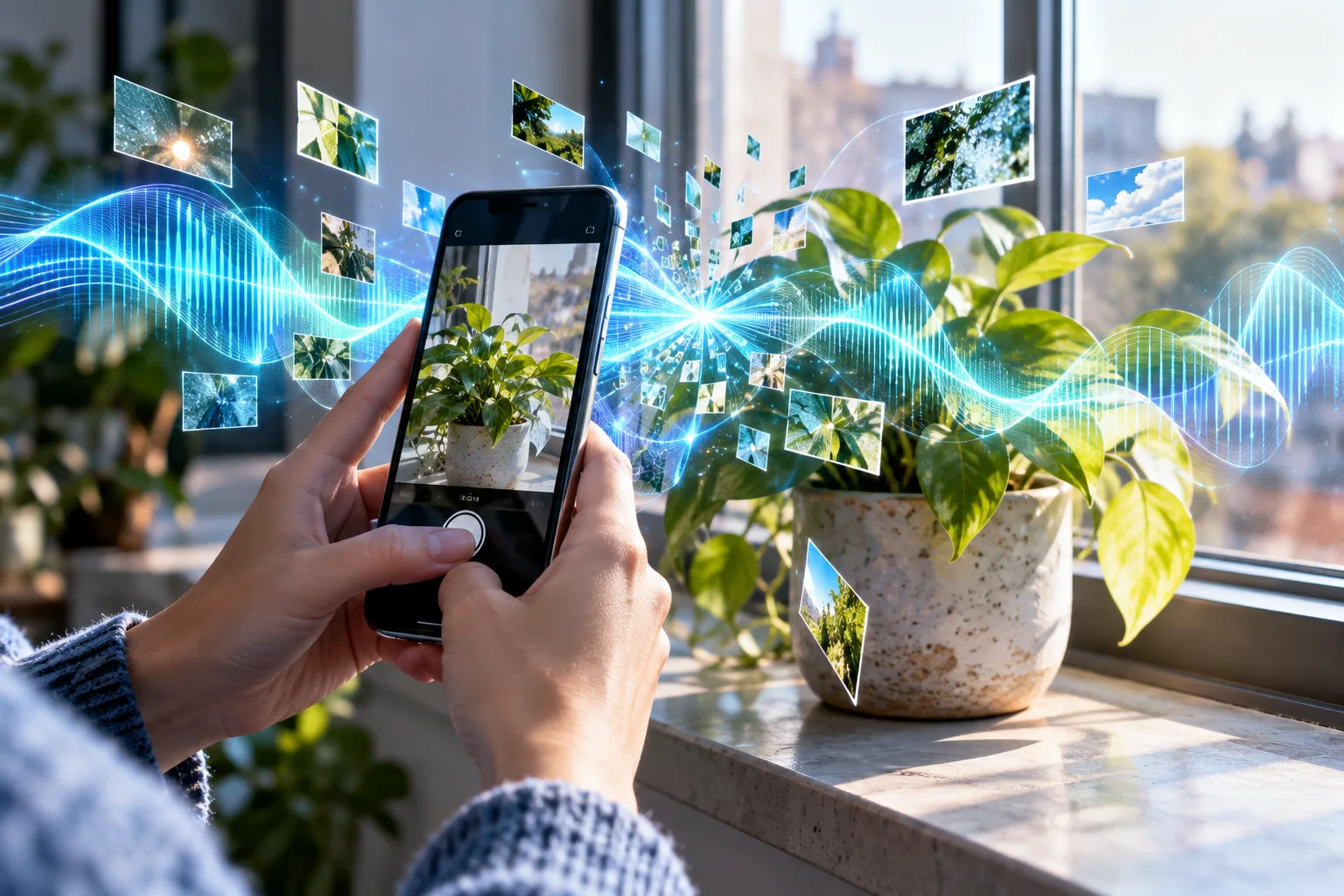
Multimodal AI handles several kinds of content in the same conversation: text, but also images, documents, voice and sometimes video. Understanding how it links these formats helps you get the most out of it and spot its most typical mistakes.
What « multimodal » actually means
In computing, a modality is a form of information: text, image, sound, video. A multimodal AI handles at least two of them. It can accept them as input (you show it a photo), produce them as output (it answers out loud or creates an image), or both.
The difference between input and output matters, because assistants are not multimodal to the same degree. Here are the most common combinations.
| You send | The assistant returns | Example use | Underlying technology |
|---|---|---|---|
| A photo or screenshot | Text | Explaining an on-screen error message | Computer vision |
| A scanned PDF | Text | Summarizing a contract or an invoice | Vision and text reading |
| Your voice | Voice | Talking while you walk | Speech recognition and synthesis |
| Text | An image | Illustrating an invitation | Image generation |
| Text or an image | A video | Animating a short scene | Video generation |
To place these building blocks within the wider field, our guide to what artificial intelligence is covers the main families of AI.
How an AI « sees » an image
Turning pixels into something the model can process
A large language model works on tokens, chunks of text converted into numbers. To make it read an image, a computer vision module is added, often called a vision encoder. It splits the image into small patches and converts each one into a list of numbers, an embedding, that sums up what it contains.
These representations are then projected into the same space as text tokens. To the model, your photo becomes a sequence of elements placed next to your question, and it produces its answer as usual, token by token. How that prediction works is explained in how ChatGPT works.
The practical consequence: an image takes up room in the conversation’s working memory, just like a long text. The more screenshots or scanned pages you send, the closer you get to the limit.
Linking images to words
Those numbers still have to « mean something » to the language model. The key step is teaching a system that a photo of a cat and the sentence « a cat asleep on a sofa » refer to the same thing.
What about sound?
For voice, two approaches coexist. The first chains three steps: speech recognition transcribes what you say into text, the model answers in writing, then text-to-speech reads the reply aloud. The second has the model process sound more directly, which in principle lets it pick up on intonation and respond with less delay. On the creation side, images and video mostly belong to generative AI, with specialized models often plugged into the assistant.
What the main assistants offer
According to the site’s survey of the providers’ official pages as of October 22, 2026, ChatGPT, Gemini, Le Chat (renamed Mistral Vibe in 2026) and Meta AI all advertise image generation and a voice mode. For Claude, those two capabilities are not specified by the provider, which does not mean they are missing. Our Gemini profile details Google’s offering.
| Assistant | Free | Paid from | Web search | Agent mode | Voice | Images |
|---|---|---|---|---|---|---|
| ChatGPT | Limited | $8/mo | Yes | Yes | Yes | Yes |
| Gemini | Limited | €4.99/mo | Yes | — | Yes | Yes |
| Claude | Limited | $20/mo | Yes | Yes | — | — |
| Le Chat (Mistral Vibe) | Limited | $5.99/mo | Yes | Yes | Yes | Yes |
| Meta AI | Limited | $7.99/mo | — | — | Yes | Yes |
Other players go further on video: Qwen Chat advertises video generation and multimodal understanding, and Grok offers image and video creation along with a voice mode. To compare the formats each tool accepts, use our AI assistant comparison.
Uses that go beyond the gimmick
- Fixing a tech problem: a screenshot of an error message, a spreadsheet or a router setting is often worth more than a long description.
- Handling paperwork: summarizing a letter, pulling the key dates out of a contract or turning a receipt into a spreadsheet row.
- Accessibility: describing a photo or a sign for someone with low vision, or controlling the assistant by voice when typing is difficult.
- Learning: photographing an exercise and asking for a step-by-step explanation rather than just the answer.
- Design: starting from a paper sketch to get a first page mockup or a task list.
How to ask a good question about an image
A photo on its own leaves the model guessing what you want. A few habits make answers noticeably better:
- Say what to look at. « Read the amount in the bottom right corner » beats « what do you see? ».
- Give context. Say whether it is an electricity bill, a school report or an assembly diagram.
- Take a good picture. A sharp, well-lit image framed on what matters reduces reading errors.
- Ask it to flag doubts. Invite the assistant to point out unreadable areas instead of filling them in.
The limits specific to multimodality
Visual hallucinations. The model can describe an object that isn’t in the image or misread a blurry digit, with the same confidence as for an accurate detail. This is a form of hallucination, and it is especially tricky with amounts and dates.
Counting and positions. Counting many items, reading a dense chart or saying exactly what is to the left of what remains a common weak spot.
Instructions hidden in an image. Barely visible text inserted in an image or document may be read by the model as an instruction. If you use an assistant that can take actions, such as sending messages, be wary of files from unknown sources.
Privacy. A photo often carries more information than you think: a face, an address on an envelope, a screen in the background. It goes to the provider’s servers like any other message.
Check yourself Why might an assistant get the total wrong on a photographed invoice?
Because it converts the image into numerical representations, then generates the most plausible answer. If a digit is blurry or cut off, it can produce a believable but wrong value without flagging it. Always compare important amounts with the original document.
Frequently asked questions
What is the difference between understanding an image and generating one?
Understanding an image means describing it, reading its text or answering a question about it. Generating one means producing a new image from a description. They are separate capabilities: an assistant can handle one without offering the other.
Does an image take up space in the conversation?
Yes. An image sent to the assistant is converted into a series of elements that the model processes like tokens. It therefore uses part of the context window, just like text, which matters when you send many pages or screenshots.
Is an assistant's voice mode always truly multimodal?
Not always to the same degree. Some systems transcribe your voice into text, have the model answer in writing, then read the reply aloud with a synthetic voice. Others process sound more directly. Providers rarely detail this architecture.
Can I trust AI to read a scanned document?
For a first pass or a summary, often yes. For amounts, dates or exact references, check the original: a multimodal AI can misread a blurry digit or fill an empty field with a plausible but made-up value.